Activity tracker
A heatmap of the pages and tasks you work on each day.
The home screen shows an activity heatmap: one square per day, shaded by how much you did that day. It gives a quick sense of momentum across a body of notes.
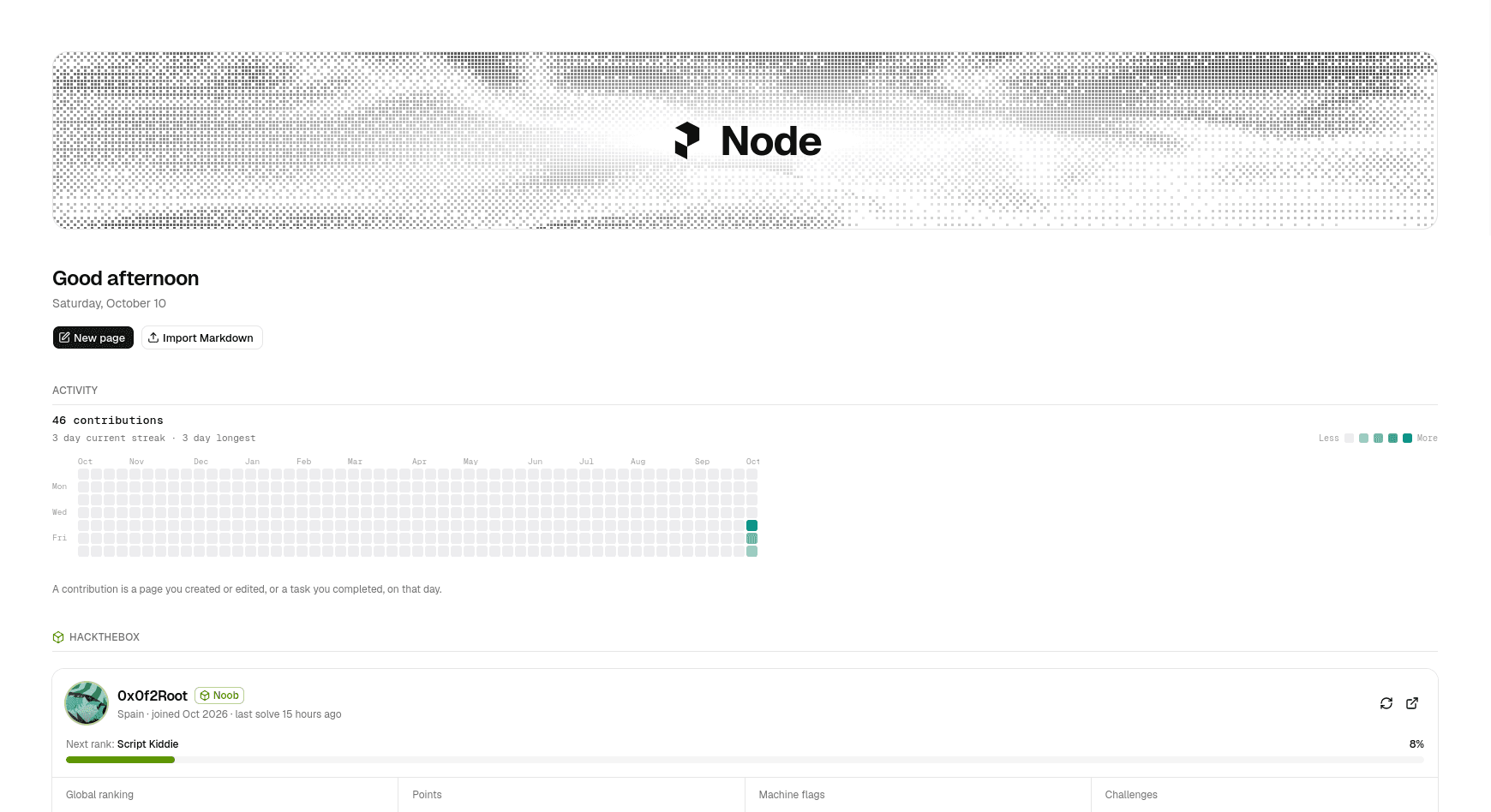
What counts as activity
A day lights up when you create or edit a page on it. Each page counts once per day, however many times autosave writes it, so a long editing session shows as one contribution rather than dozens.
The heatmap also reports your current streak and your longest streak of consecutive active days.
How it is recorded
A file's modification time only remembers the last edit, so Node keeps its own log of which pages were touched on which day. It is written to data/activity.json in the project as a map of calendar day to the pages worked on:
{
  "2026-10-09": ["General/Recon checklist.md", "General/Notes.md"],
  "2026-10-10": ["General/Recon checklist.md"]
}- Days are local calendar days.
- Days from before the log existed are filled in from each file's last modification date, so the grid is not empty on first run.
- The log holds page paths only — never the text of a page.
Keeping it in sync
The grid refreshes when you return to the Node tab. If you edit files in another program, their changes are reflected from their modification dates the next time the activity is read.
Where it is stored
Unlike most of Node's view state, the activity log is a file in the project (data/activity.json), so it is shared between browsers and backed up with your notes.