HackTheBox tracker
Follow a HackTheBox profile's progress from your home screen.
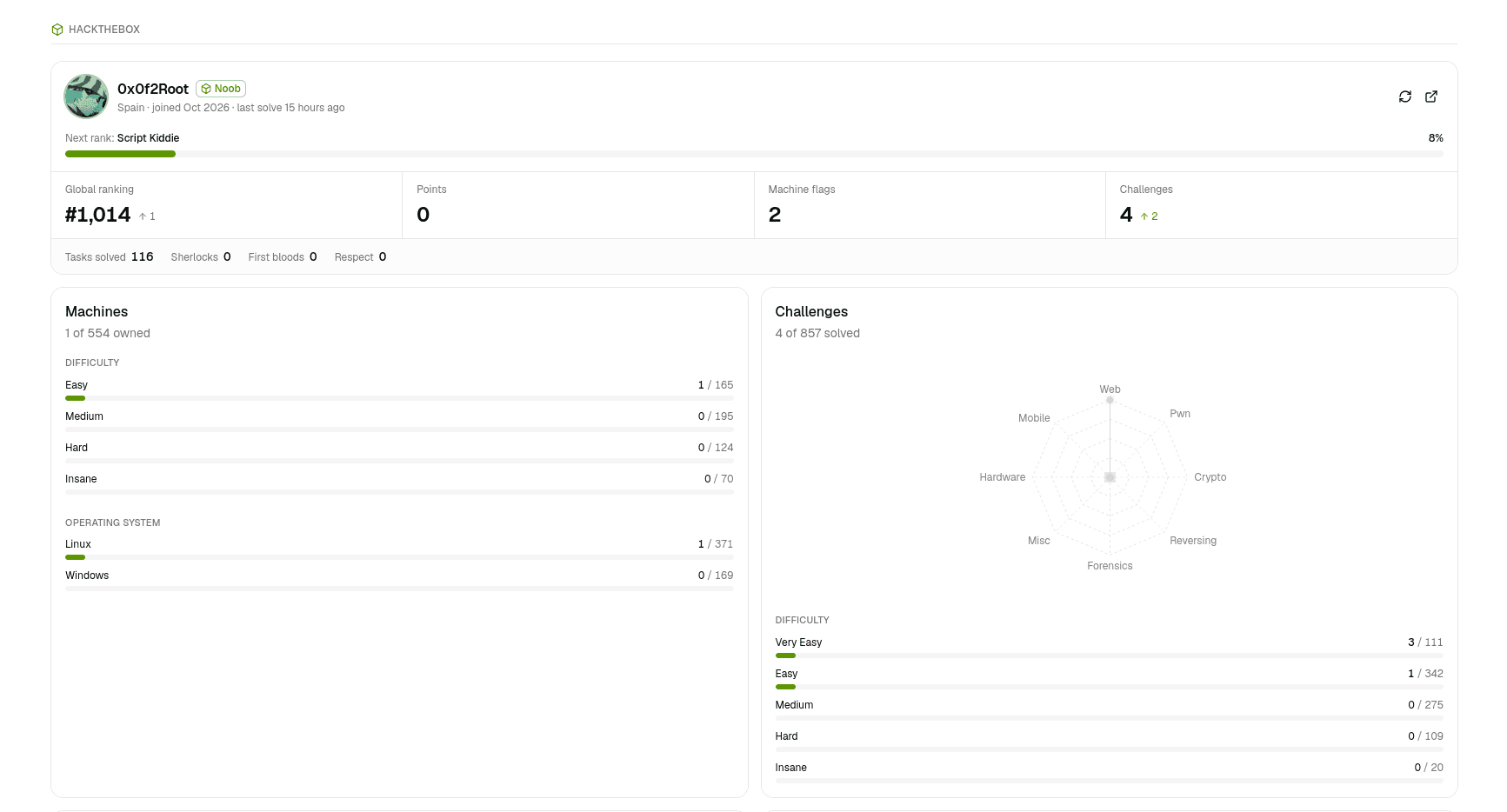
Node can display the public progress of a HackTheBox profile on the home screen — rank, ranking, points, owned machines and challenges, and more. It is read-only: Node only reads public numbers and never changes anything on HackTheBox.
Set it up
- On the home screen, open the HackTheBox panel's settings.
- Paste a profile link, or just its numeric id.
- Node reads the profile and shows it.
To stop tracking, clear the profile.
What it shows
| Area | Details |
|---|---|
| Profile | Rank, progress to the next rank, global ranking, points, and country or team when set. |
| Machines | Owned vs total, with a breakdown by difficulty and by operating system. |
| Challenges | Owned vs total, by category and by difficulty. |
| Sherlocks | Owned vs total. |
| Badges | Earned badges with their descriptions. |
| History | A day-by-day record of points, ranking and owns, so progress can be charted over time. |
Numbers are cached and refreshed at most a couple of times a minute, with a manual refresh available.
Latest solves (optional)
The feed of your most recent solves needs a HackTheBox App Token. Set it as HTB_APP_TOKEN in a .env.local file in the project:
HTB_APP_TOKEN=your-app-tokenThe token stays on the server
The App Token is read only by Node's own server process. It is never stored in your notes, logged, or sent to the browser. Without it, everything except the latest-solves feed still works.
Where it is stored
The tracked profile and its history are kept in data/htb.json in the project. If HackTheBox cannot be reached, Node keeps showing the last numbers it read.