The editor
Writing, autosave, images and what happens when a file changes on disk.
Node's document editor is built on the Fumadocs editor. It reads Markdown or MDX and writes Markdown or MDX back, so the file on disk is always plain text you can open anywhere.
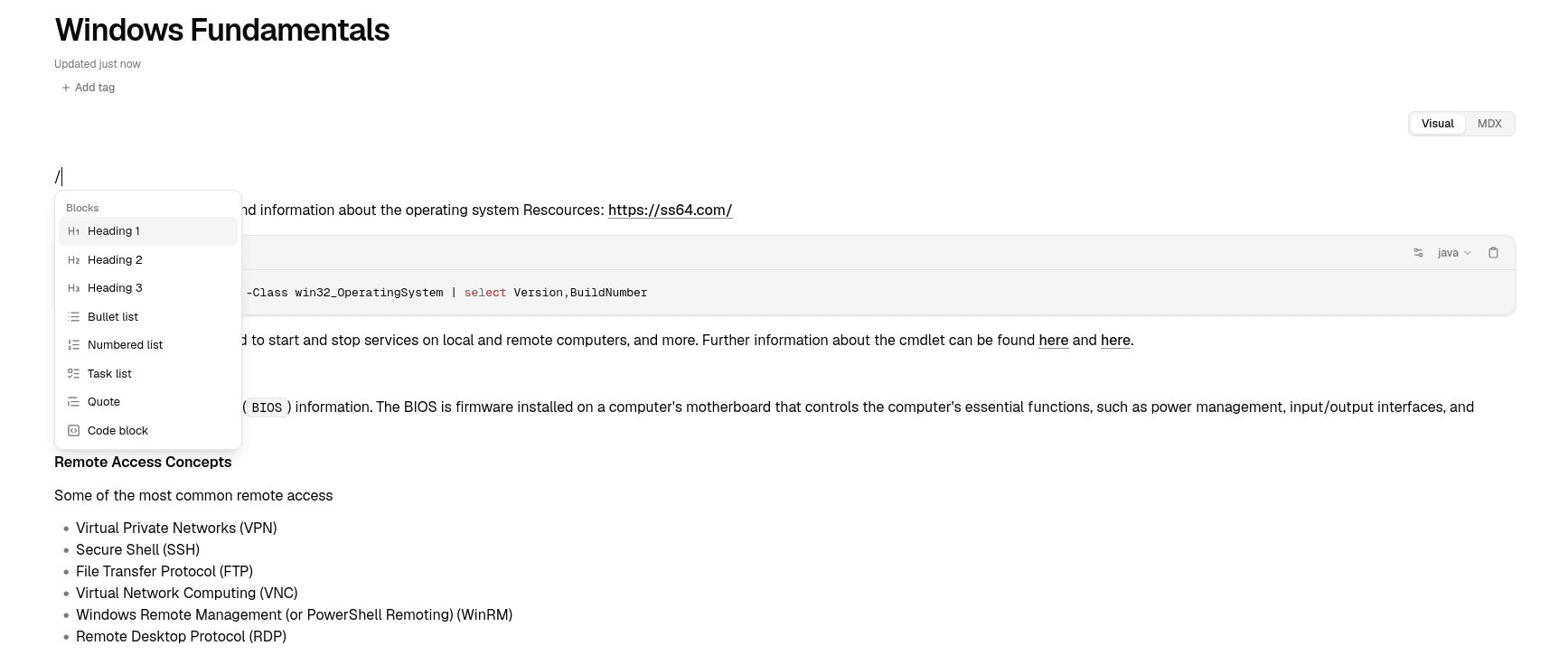
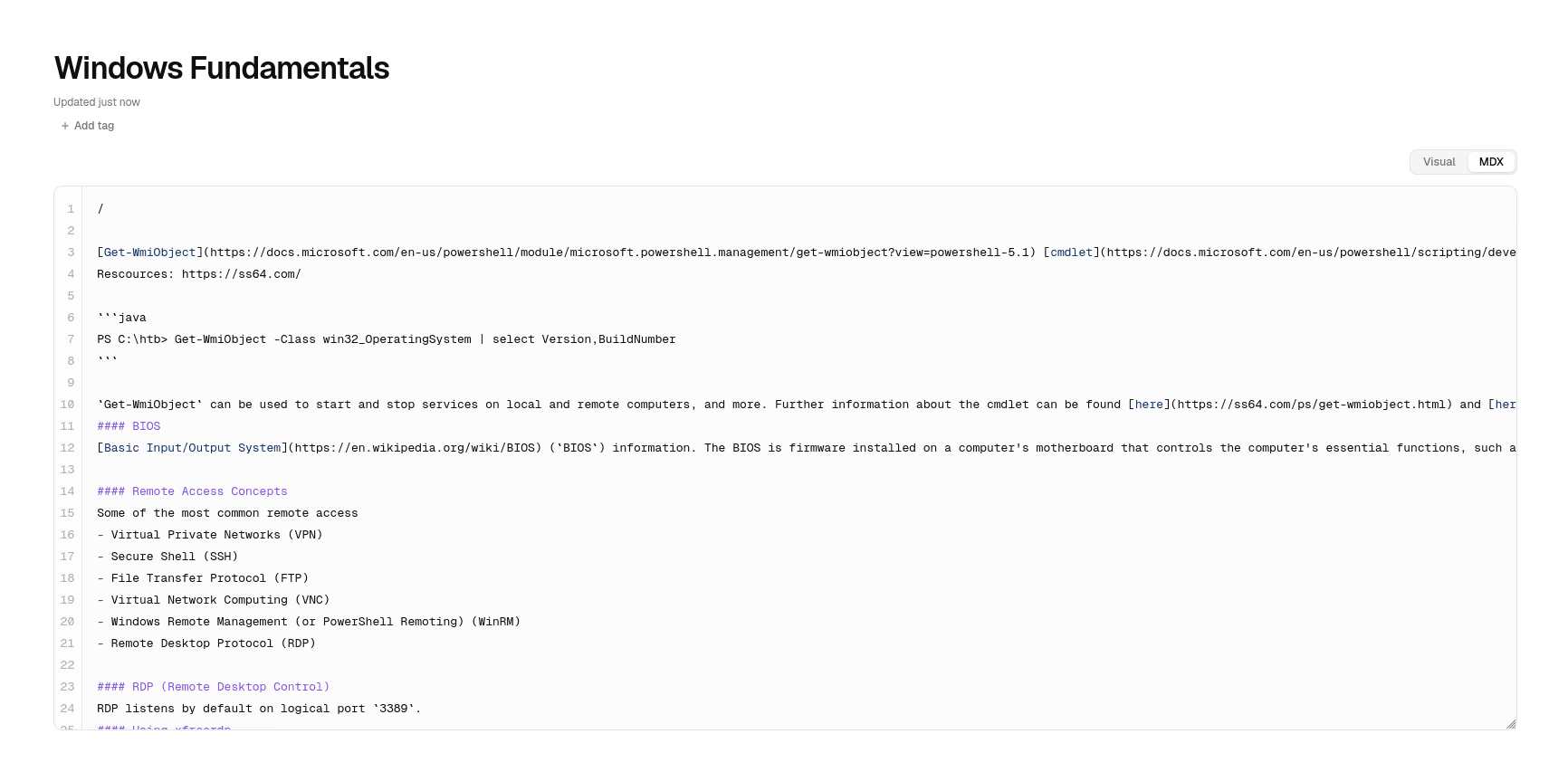
Visual and MDX views
The switch at the top right of a page changes how you edit it:
- Visual is the rich view: headings, lists, tables, code blocks and other blocks are edited in place. Type / to insert a block.
- MDX shows the raw source of the same document.
Both views edit the same file. Nothing is converted or lost when you switch.
The title
The large field above the document is the page title, which is also its file name.
- The new name is applied when you leave the field, not on every keystroke.
- Enter or ↓ moves the cursor into the document.
- Esc discards the change.
Under the title, Node shows when the page was last updated.
Autosave
There is no save button. Node writes your changes to the file about 0.7 seconds after you stop typing, and also when you leave the page or hide the tab.
The top bar shows the current state:
| Status | Meaning |
|---|---|
| Unsaved changes | You have typed something that has not been written yet. |
| Saving… | The file is being written. |
| Saved | The file on disk matches what you see. |
| Error saving | The write failed. Your edit is kept in memory; click Retry. |
Files are written to a temporary file and then renamed into place, so a crash in the middle of a save cannot leave you with half a document.
When a file changes on disk
If you edit a page in Node while another program changes the same file, Node refuses to overwrite it and shows This page changed on disk with two choices:
- Keep my version writes what you have in Node over the file.
- Load from disk drops your unsaved edits and reads the file again.
Neither version is discarded until you pick one.
Images
Paste an image or drop it into a page. Node saves it to data/pages/assets/ and inserts an ordinary relative Markdown link, so the image also works when the file is opened in another tool.
- Supported types: PNG, JPG, GIF, WebP, AVIF, SVG, BMP and ICO.
- Maximum size: 25 MB per image.
- If a file name is already used, Node adds a number (
diagram-2.png) rather than replacing the existing image.
Images you link to by full URL are displayed straight from that URL.
Width and font size
In Settings → Editor:
- Page width: Comfortable keeps lines short for reading; Full width uses the whole window. This also applies to Home, All pages and repository views.
- Font size: Small (15 px), Default (16 px) or Large (18 px), applied to the document body.
If the editor fails to load a page
If the editor hits an error, Node shows The editor ran into a problem with a Reload editor button. Your Markdown file is not affected; you can also open it in another program.